Curio AI /// Adobe Creative Cloud Extension | Product Design
Stay in the Flow: Bringing AI-Powered Asset Discovery Inside Adobe Creative Cloud
The Curio AI Adobe Creative Cloud extension (panel) lets users search their entire media library—powered by the same AI smart-tagging for people, objects, logos/brands, adult content, locations/landmarks, technical cues, speech-to-text, OCR, and more—directly inside Premiere Pro, Photoshop, Illustrator, InDesign, and Audition. Creatives can find the exact clip or still, preview insights, and drag-and-drop assets or markers into their project without leaving the Adobe apps, so they stay focused on storytelling instead of file hunting.
The challenge
Even when rich metadata exists in a backend platform, the moment a creative leaves Premiere or Photoshop to dig through a separate search tool, momentum dies. Editors and designers lose context, waste time switching windows, and often settle for “good enough” footage because searching the full archive feels too costly.
Focusing on the user
Manual tagging still lags production, and monetization teams cannot easily surface licensed or branded moments during active editing sessions.
We focused intensely on the creative user:
Editors in Premiere / Audition – Need timeline-aware search, speech-to-text results, and one-click import of markers or subclips.
Designers in Photoshop / Illustrator / InDesign – Want visual search for logos, objects, and stills that match the current composition.
Busy freelancers and in-house teams – Demand zero learning curve and zero context-switching.

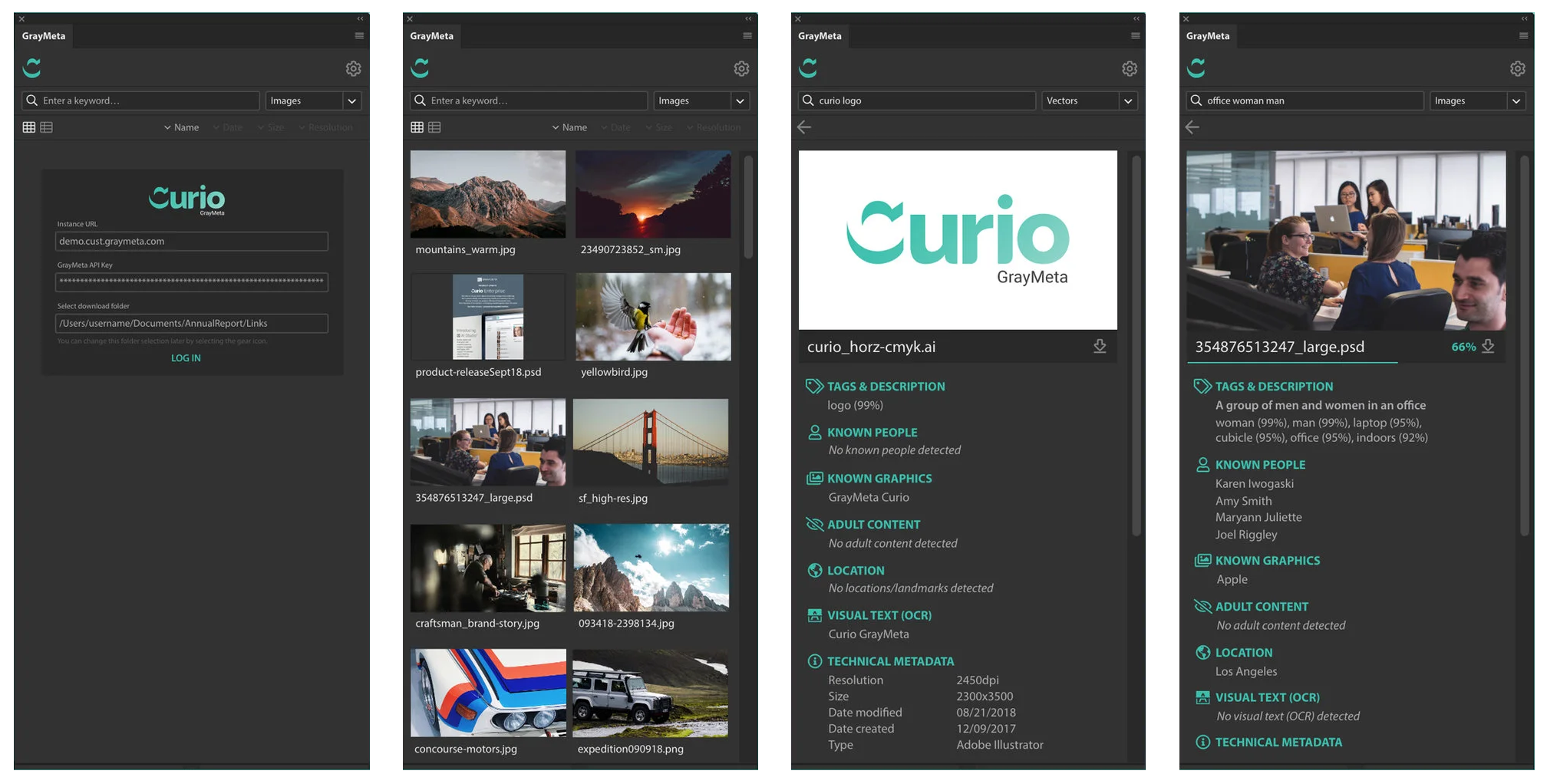
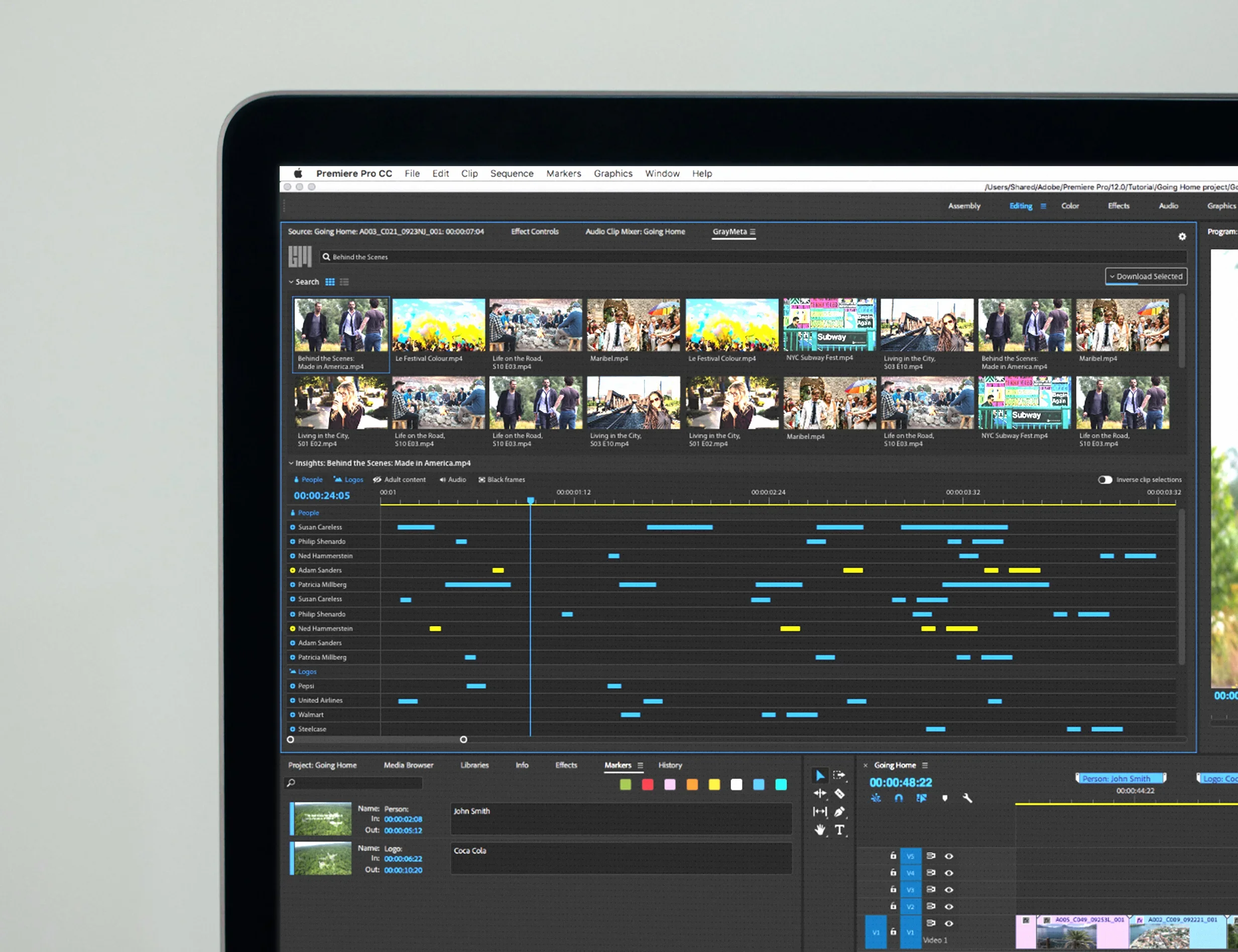
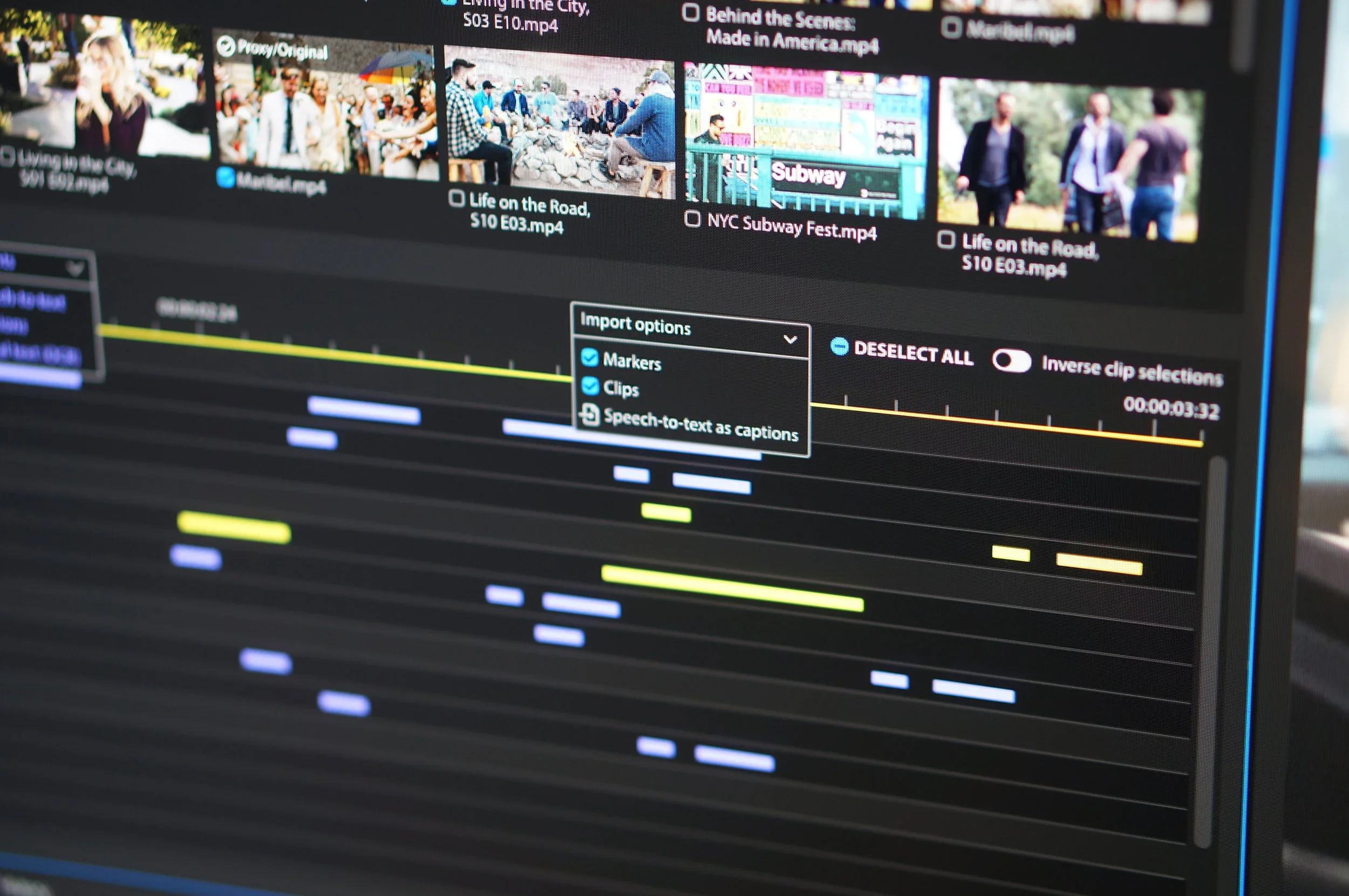
Curio AI Adobe Creative Cloud Extension