Modern Campus /// CMS Layout Builder | Product UX
Low-Code, User-Friendly Design with Advanced Workflows
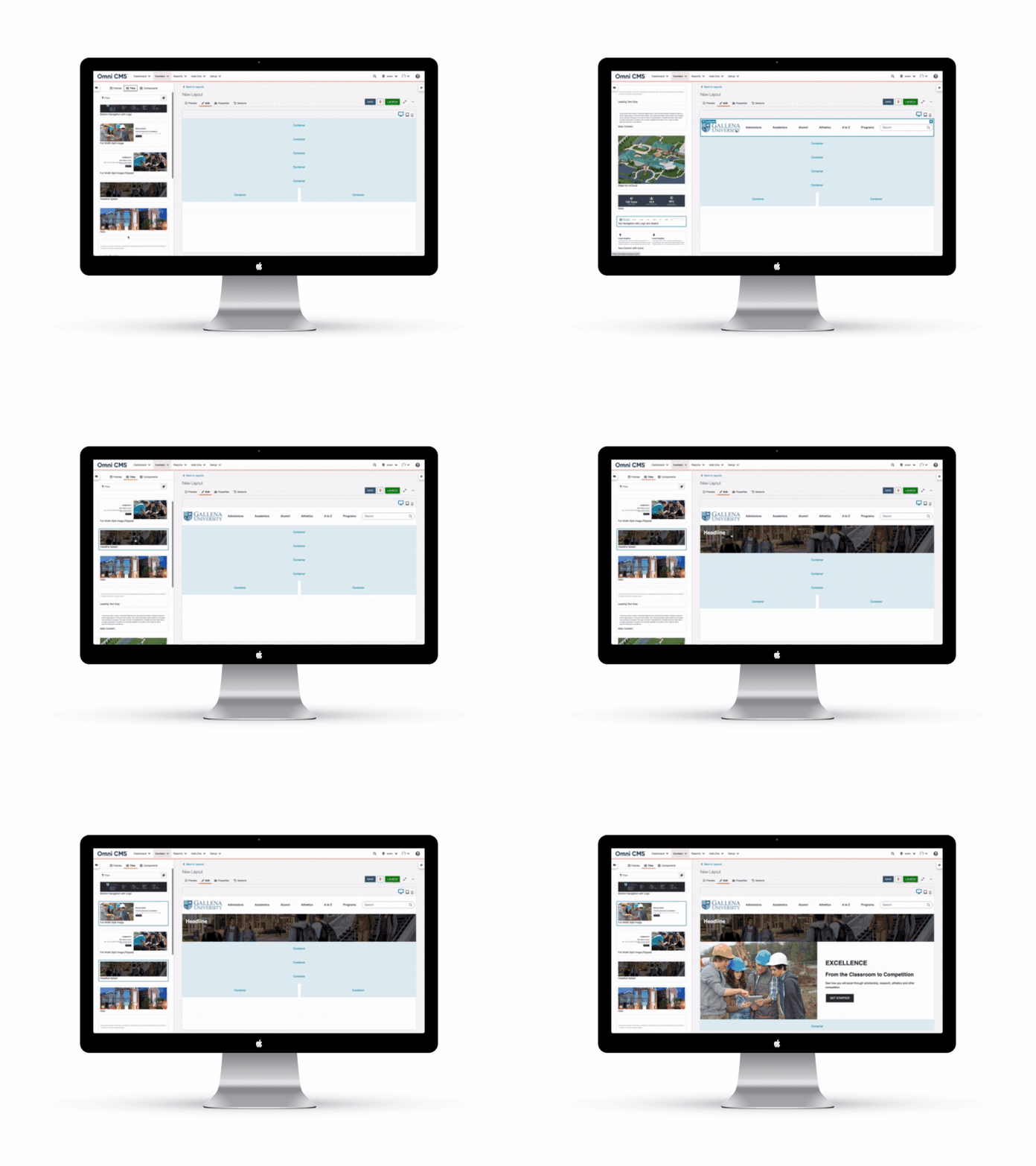
I designed and built Layout Builder as a low-code template generation tool that empowers non-technical users to create and manage high-impact, custom-branded web pages without relying on IT or front-end developers.
Alongside it, I developed advanced workflow management within Modern Campus CMS to support true decentralized content management—giving departments the ability to own and update their sections of the site without approval bottlenecks. The goal was simple: make it dramatically easier to create templates and edit content across the entire CMS while keeping everything on-brand and efficient.
The challenge
Modern Campus CMS has traditionally required front-end web developers to create templates for their internal users. How do we allow all users, regardless of technical skills, to create custom branded templates for their each unique use case. In the process, we can make it easier to not only create templates, but to edit content across the entire CMS.
The approach
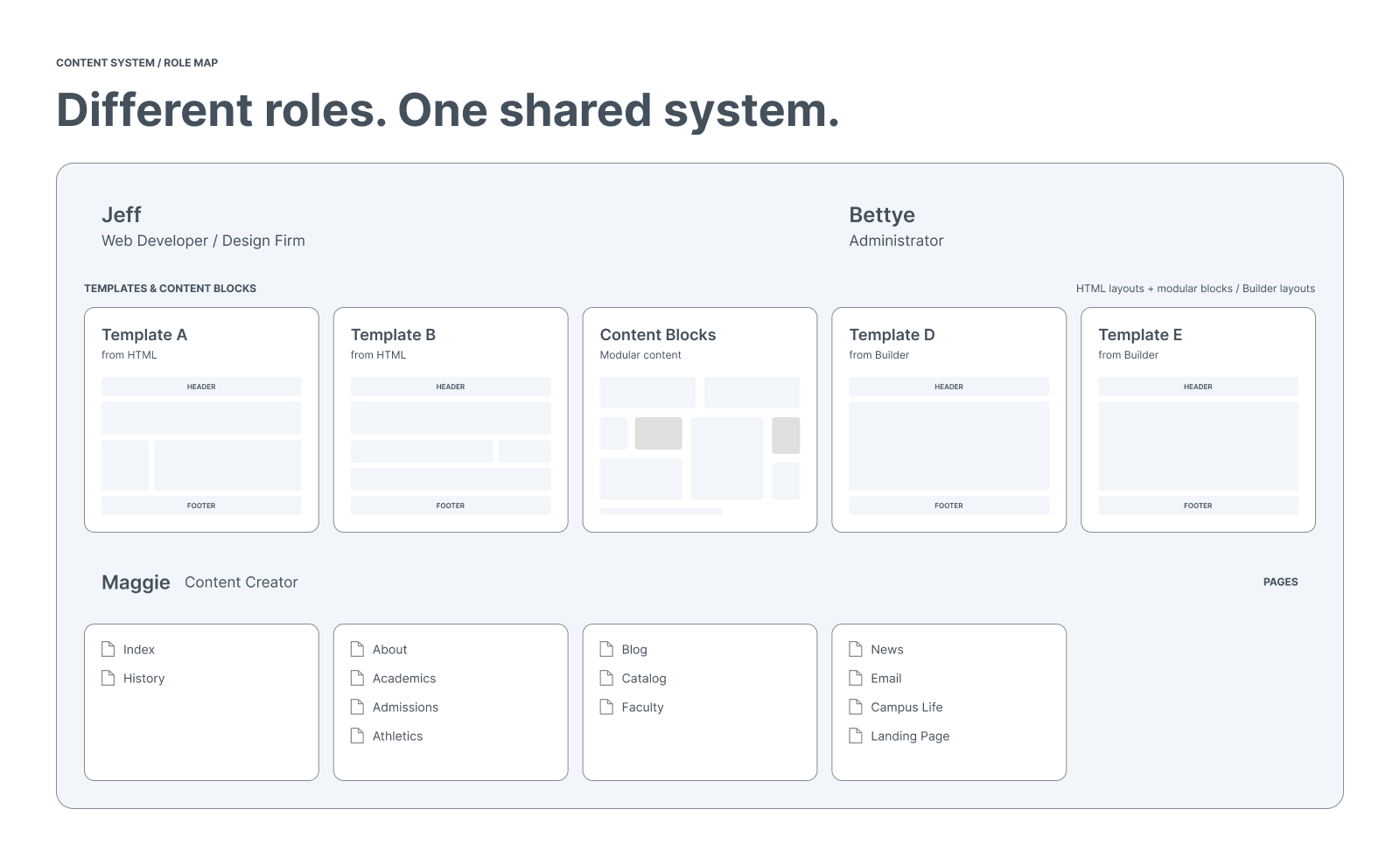
We strived to meet the needs of three Personas we identified – the Web Developer/Design Firm, The Administrator and the Content Creator.
Today’s learners expect modern digital experiences, and higher education institutions are adapting quickly to meet the needs of the learners — often with limited resources.
Through innovative and smart solutions, Layout Builder enables institutions of any size to offer learners a more meaningful digital experience, while making content creators' lives easy.
85% of students say a well-designed website improves their opinion of a college or university.


A new CMS and redesign gives our website a fresh look. We are also happy with the increase in page views and higher rankings across all major search engines.